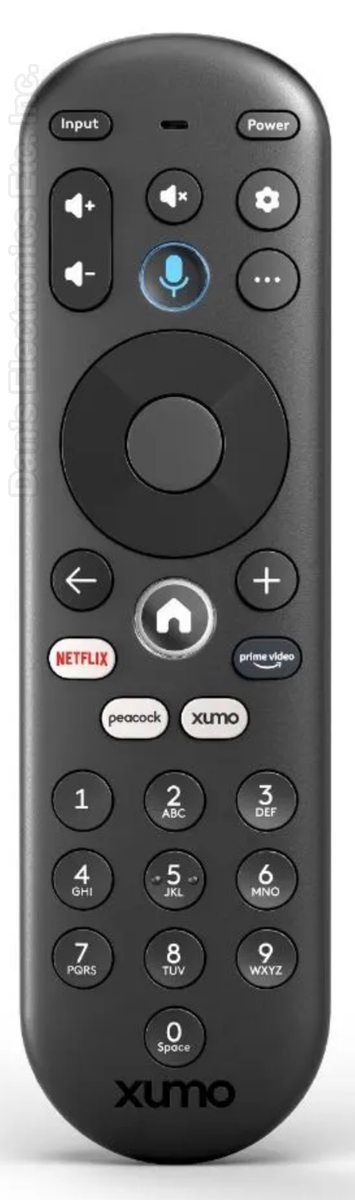
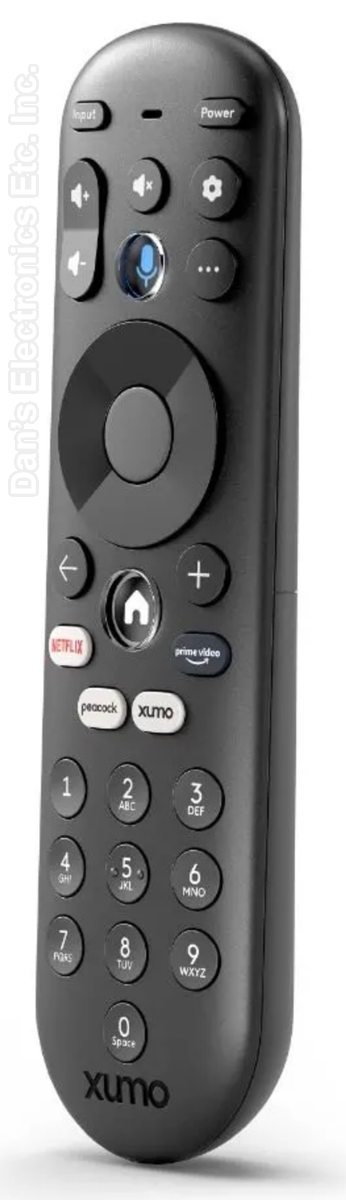
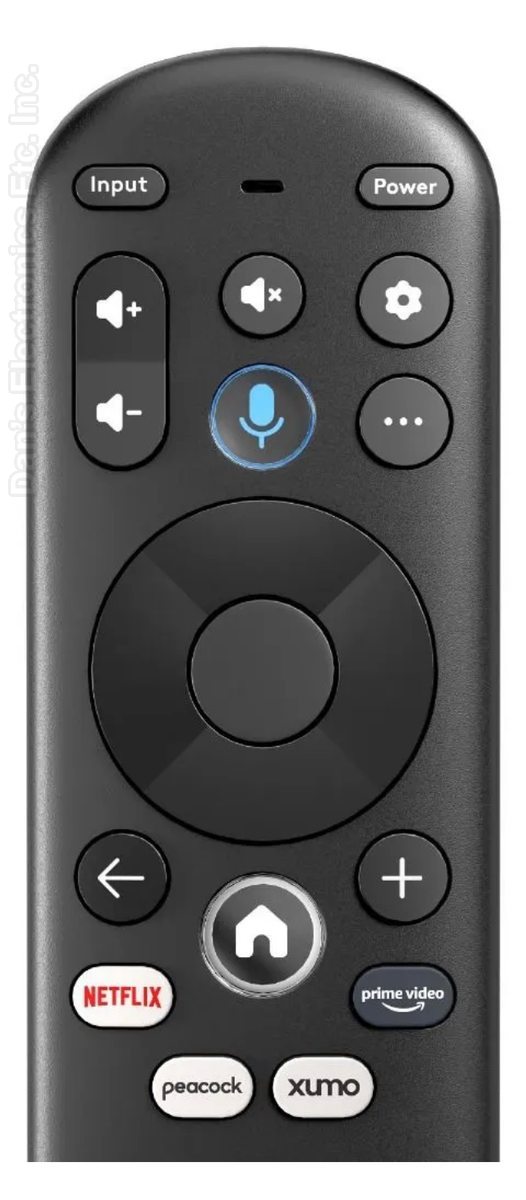
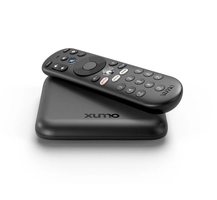
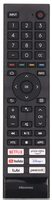
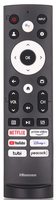
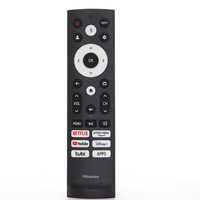
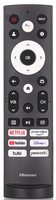
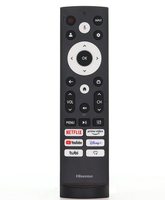
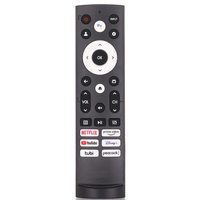
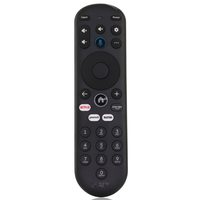
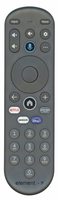
This is the Xumo XUMORC-PR1 voice remote for Xumo stream boxes and XClass TVs. It is a voice remote.
Specifications
- Radio frequency (RF)
- Batteries: 2 AAA (not included)
Setup / Pairing
Installing the batteries
- Push the battery cover down and slide it off the remote.
- Insert two AAA batteries (not included).
- Replace the battery cover.
Pairing with a Xumo Stream Box
- From the Xumo OS home screen, press and hold the 1 and 3 buttons together (on the later PR3 remote, hold [...] and MUTE for 1.5 to 3 seconds).
- If pairing fails, turn off and unplug the device, reset the remote, plug the device back in, turn on the TV and try again.
- To control TV power and volume: press Settings, select Remote Connected devices, press OK/Select, then select Pair your remote to your TV and follow the on-screen instructions.
Pairing with a Hisense, Element or Pioneer Xumo TV
- If you set up the remote within 15 minutes of plugging in the TV for the first time, it pairs automatically.
- Otherwise press the MIC button, or press GEAR and select Remote > Pair your remote to your TV, and follow the on-screen instructions.
- If pairing fails, turn off and unplug the TV, plug it back in, power it on and try again.
Voice control only works after the remote is paired and the TV or box is connected to the internet.
What's in the Box
- 1 Xumo XUMORC-PR1 remote
- Batteries not included
Compatible Models
- Xumo XUMORC-PR1
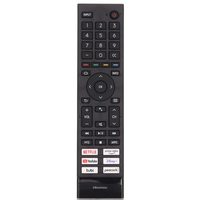
- Works with many Xumo TVs, including models such as ESST11AEI, CP-RC1NA-23 and PN50-751-24U.
Before ordering, check the model or part number printed on your old remote (usually on the back or inside the battery compartment) and compare it to the full compatible models list.
Key Features
• Quick Launch Buttons: Access your favorite apps and over 300 free streaming channels instantly with dedicated quick launch buttons, including a special button for Xumo Play.
• Voice Command Capability: Utilize the built-in voice search to effortlessly find, launch, and save your favorite shows and movies across various streaming platforms.
• Cross-App Search: Easily search across multiple apps with one button, simplifying the process of finding the best streaming content available.
• Personalized 'My List': Save your favorite content to 'My List' with the touch of a button, making it easy to keep track of your must-watch shows and movies for later enjoyment.
• Streamlined User Experience: Designed with user-friendliness in mind, the Xumo Remote enhances your streaming experience, allowing you to navigate and control your entertainment with ease and speed.
Battery Required : AAA Battery 2 pack
Frequency Type : IR + RF
FCC ID : MG3-R34010
Dimensions: 2.00 x 6.00 x 1.00 (W x L x D, inches)