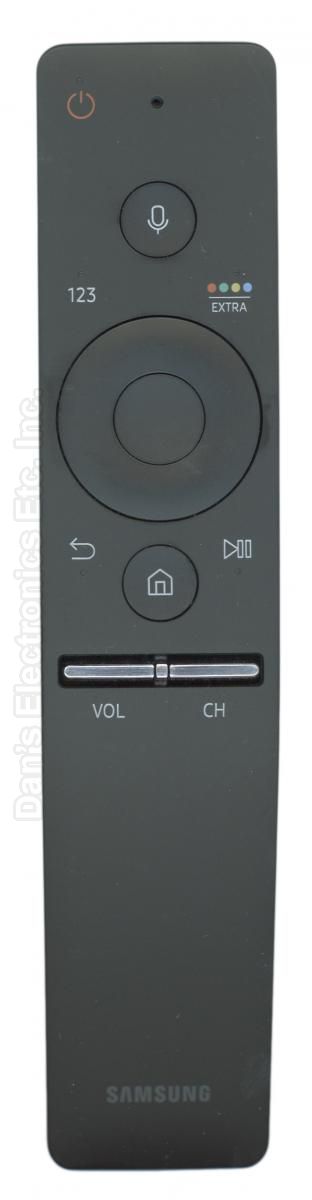
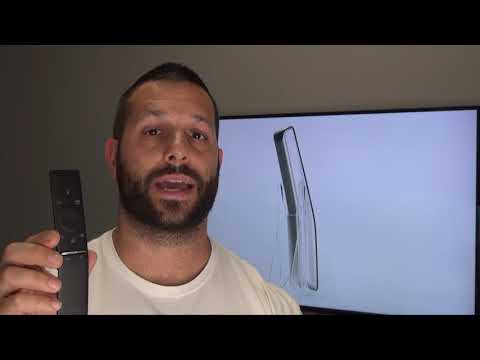
This is the Samsung BN59-01242A /RMCSPK1AP1 remote, a Samsung Smart Control that pairs with the TV.
Specifications
Radio frequency (RF)
Batteries: 2 AA (not included)
Range: use within about 20 feet (6 m) of the TV; distance varies with conditions
Good to Know
It pairs with one TV at a time.
We may ship the newest model of this remote.
Setup / Pairing
Turn on the TV. The remote pairs automatically the first time.
If it does not pair, point the remote at the TV sensor, then press and hold the Return and Play/Pause buttons together for at least 5 seconds.
Your TV shows a message when the remote is connected.
Troubleshooting
If the remote does not pair automatically, point it at the TV and press and hold Back and Play/Pause together for 5 seconds.
If the remote unpairs or acts up, the batteries may be low; replace them.
What's in the Box
1 Samsung BN59-01242A /RMCSPK1AP1 remote
Batteries not included
Compatible Models
Samsung BN59-01242A /RMCSPK1AP1
Before ordering, check the model or part number printed on your old remote (usually on the back or inside the battery compartment) and compare it to this list.
Battery Required : AA Battery 2 pack
Guaranteed Compatible Universal
:Anderic RRU401, Use code: 2661, 2735, 2750, 2753... (click here for programming instructions) Frequency (GHz) : 2.4 Dimensions: 1.50 x 6.50 x 1.00 (W x L x D, inches)