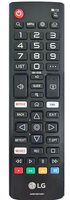
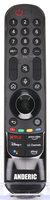
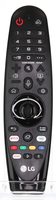
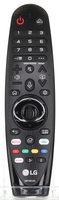
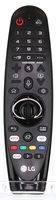
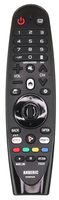
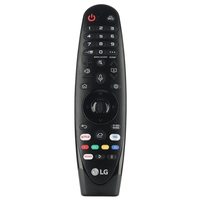
The LGMR20GA works as a compatible substitute for LG Magic Remote controls, offering voice recognition, motion control, and a scroll wheel for seamless TV navigation. Designed for select LG OLED, NanoCell, and UHD Smart TVs, it requires no programming with compatible models and supports both IR and RF operation. The remote delivers intuitive control across a range of LG television types. Experience hands-free convenience with advanced remote functionality.
Dimensions: 1.90 x 6.90 x 0.90 (W x L x D, inches)

![Dan's Originals For LG AN-MR19BA Magic TV Remote Control | Voice | Universal | Motion | Scroll Wheel | Compatible with OLED, NanoCell, UHD TVs - AKB75635305 [LGMR20GA]](https://www.replacementremotes.com/store/images/lg_akb75635305_2.jpg)