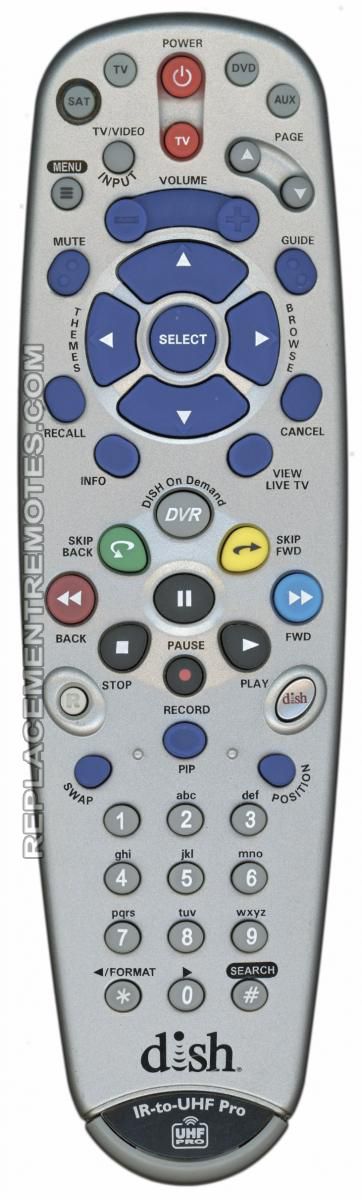
This is the Dish Network 10.1 UHF PRO satellite receiver remote (part 139328).
Good to Know
- The DISH211 remote will not replace this model.
Specifications
- Batteries: 4 AAA (not included)
Setup / Pairing
Standard DISH UHF Pro linking for this remote family:
- Make sure the UHF remote antenna is connected to the REMOTE ANTENNA port on the back of the receiver.
- Turn the receiver and TV on.
- Press SYSTEM INFO on the front of the receiver so the System Information screen appears.
- Press RECORD on the remote. The remote address on the screen will usually change.
- Test the remote on the receiver. If it does not respond, press RECORD again.
What's in the Box
- 1 Dish Network 10.1 UHF PRO remote
- Batteries not included
Battery Required : AAA Batteries 4 Pack
Dimensions: 2.00 x 6.00 x 1.00 (W x L x D, inches)