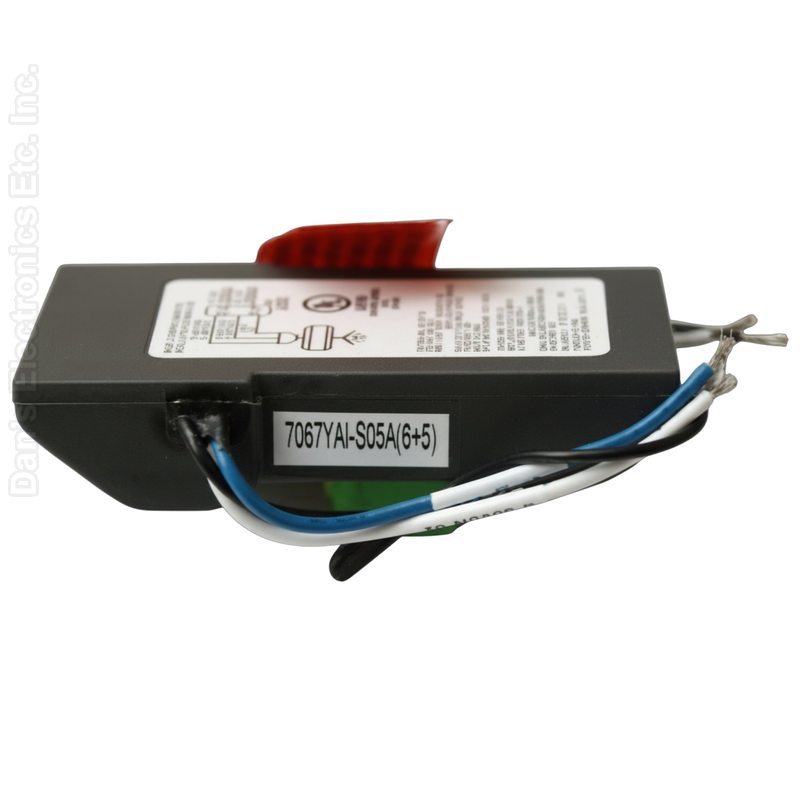
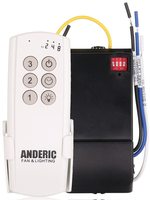
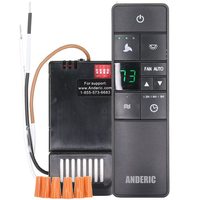
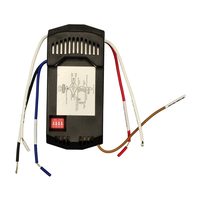
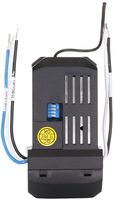
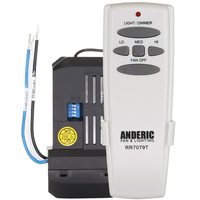
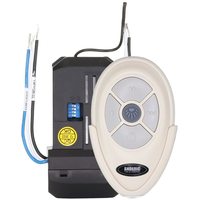
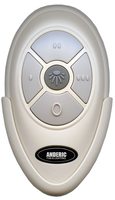
The Anderic FAN35T-UC7067FMRX-KIT is a substitute for the Harbor Breeze UC7067RYL. It is a ceiling fan remote and receiver kit (FAN35T remote and UC7067FMRX receiver).
Specifications
- Kit: Anderic FAN35T-UC7067FMRX-KIT
- Radio frequency (RF): 304 MHz
- Battery: 1 23A (not included)
Good to Know
- It comes with its own receiver and remote; the existing receiver and remote are not used.
- For 3-speed AC ceiling fans; the receiver is wired into the fan canopy.
- The light control works with the fan's down light only.
- Key names, layout and the look of the case may differ from the original. Compare your original's buttons before ordering.
Setup / Pairing
With the breaker OFF, install the receiver and set or record its code switches; set the remote to the identical pattern, close all covers and the canopy, then restore power and test. Remote-only code trials may be done without opening an energized receiver.
Installing the UC7067FMRX receiver
WARNING: High voltage. Disconnect power to the ceiling fan by removing the fuse or switching off the circuit breaker.
- Remove the ceiling fan canopy from the mounting bracket.
- Disconnect the existing wiring between the ceiling fan and the supply at the junction box. If you are replacing a receiver, disconnect all of its wires.
- Lay the black antenna wire on top of the receiver and put the receiver in the mounting bracket.
- Make these connections with the supplied wire nuts: green fan wire to bare supply wire; black receiver wire (AC IN L) to black supply wire; white receiver wire (AC IN N) to white supply wire; white receiver wire (TO MOTOR N) to white fan wire; black receiver wire (TO MOTOR L) to black fan wire; blue receiver wire (FOR LIGHT) to blue light wire.
- Push all connected wires up into the junction box.
- Reinstall the canopy on the mounting bracket.
- Restore the electrical power.
Battery
- Install a 23A 12-volt battery (not included). Remove the battery if the remote will not be used for a long time.
- Store the remote away from excessive heat or humidity.
- The remote has 16 code combinations. If your fan and light turn on and off without your remote, change the code combination on the remote.
Setting the codes
- Before reinstalling the fan housing or canopy, note the dip switch pattern on the UC7067FMRX receiver (or set it to the pattern you want).
- On the remote, remove the battery cover and slide the 4 dip switches up or down. The factory setting is all switches up; we recommend using a different combination.
- Set the switches on the remote to EXACTLY match the switches on the UC7067FMRX receiver. The remote and receiver will only work together when both patterns are the same.
- Replace the battery cover, restore power and test the fan and light.
What's in the Box
- 1 remote and 1 receiver
- Battery not included
Compatible Models
Before ordering, check the model or part number printed on your old remote (usually on the back or inside the battery compartment) and compare it to this list.
Dimensions: 4.00 x 4.00 x 3.00 (W x L x D, inches)