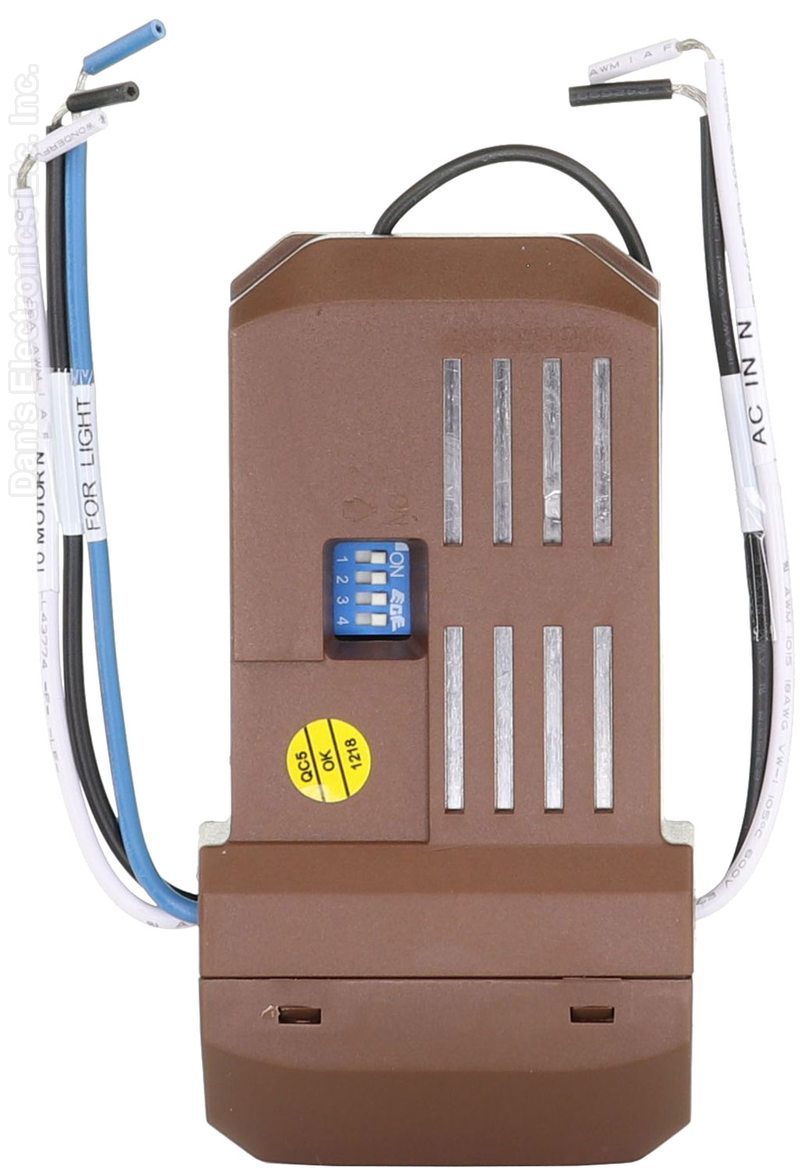
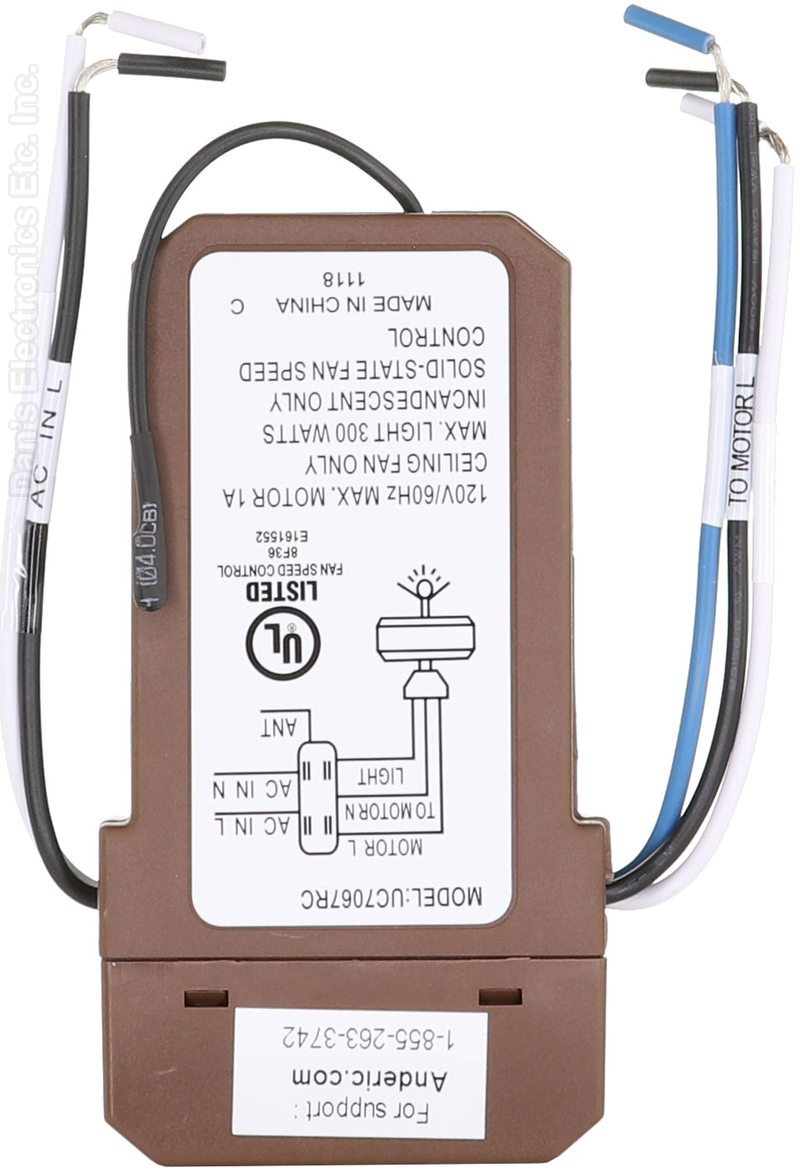
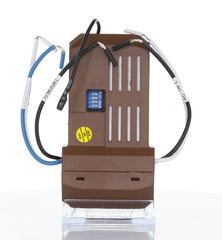
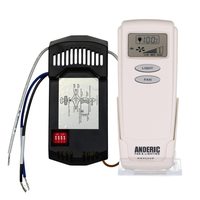
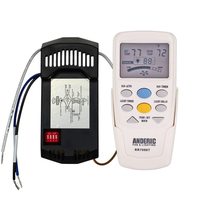
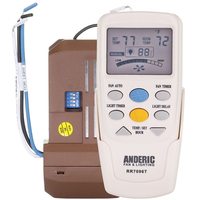
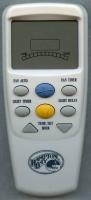
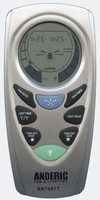
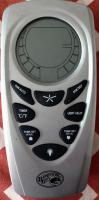
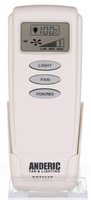
The Anderic UC7067FCRX is a thermostatic ceiling fan receiver for LCD thermostatic remote controls.
Specifications
- Shipped receiver: Anderic UC7067FCRX
- Radio frequency (RF)
Good to Know
- The REV key on the RR7096TR works on fans fitted with a reverse module.
- It does not include a remote control.
Setup / Pairing
Installation and pairing
- Turn off power at the circuit breaker or remove the fuse: household power can cause serious injury or death.
- Remove the canopy from the mounting bracket and disconnect the existing wiring (and any old receiver) at the junction box.
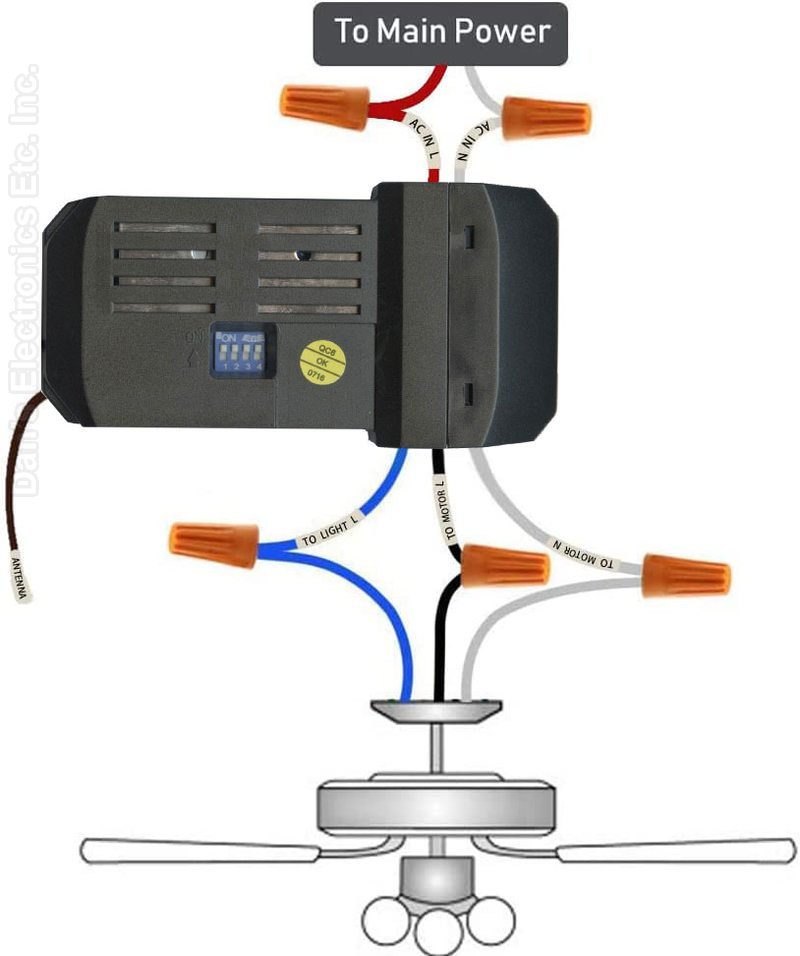
- Lay the black antenna wire on top of the receiver and set the receiver in the mounting bracket.
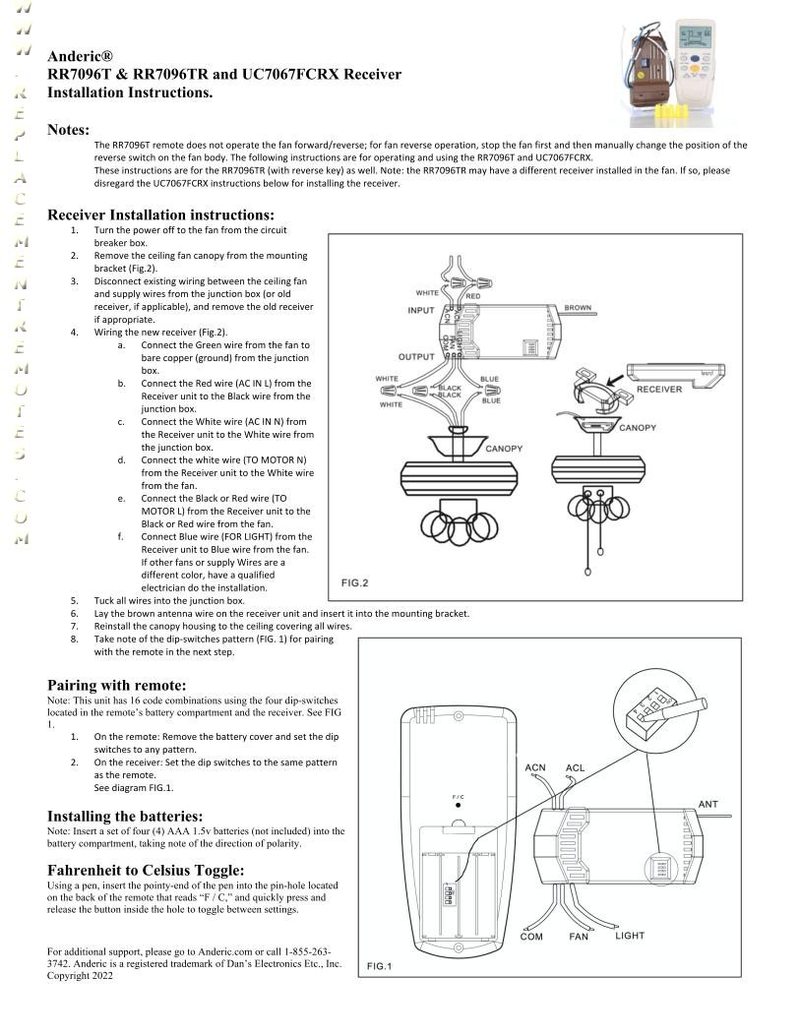
- Connect with wire nuts: green fan wire to bare supply wire; black AC IN L to black supply wire; white AC IN N to white supply wire; white TO MOTOR N to white fan wire; black TO MOTOR L to black fan wire; blue FOR LIGHT to blue light wire.
- Note the dip-switch pattern, push the wires into the junction box, reinstall the canopy and restore power.
- Set the remote's dip switches to the same pattern as the receiver.
Safety: turn off power at the circuit breaker before opening the fan canopy or touching the receiver.
Setup / Pairing
Compatible remotes
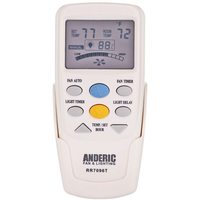
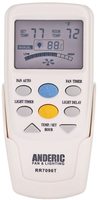
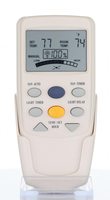
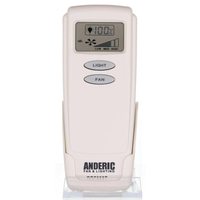
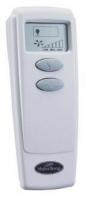
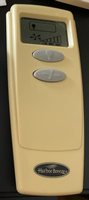
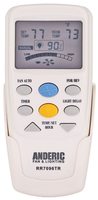
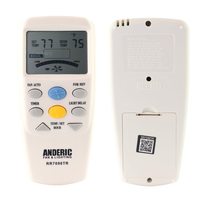
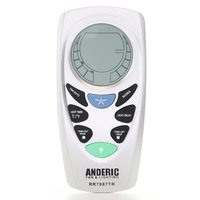
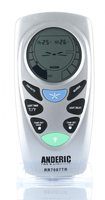
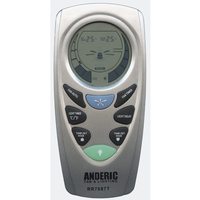
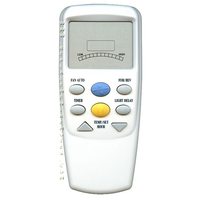
LCD-type thermostatic remotes: CHQ7096T and UC7087T (with Timer key), Anderic RR7096T, RR7087T, RR7096TR (the REV button may require a reverse module on select fans), and RR7099T / CHQ8BT7098T (non-thermostatic).
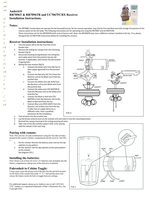
Installing the UC7067FCRX receiver
WARNING: High voltage. Household electrical power can cause serious injury or death. Disconnect power to the ceiling fan by removing the fuse or switching off the circuit breaker.
- Remove the ceiling fan canopy from the mounting bracket.
- Disconnect the existing wiring between the ceiling fan and the supply at the junction box. If you are replacing a receiver, disconnect all of its wires.
- Lay the black antenna wire on top of the receiver and put the receiver in the mounting bracket.
- Make these connections with the supplied wire nuts: green fan wire to bare supply wire; black receiver wire (AC IN L) to black supply wire; white receiver wire (AC IN N) to white supply wire; white receiver wire (TO MOTOR N) to white fan wire; black receiver wire (TO MOTOR L) to black fan wire; blue receiver wire (FOR LIGHT) to blue light wire.
- Push all connected wires up into the junction box.
- Reinstall the canopy on the mounting bracket.
- Restore the electrical power. Note the receiver's dip switch pattern for pairing.
Setting the codes
- Before reinstalling the fan housing or canopy, note the dip switch pattern on the UC7067FCRX receiver (or set it to the pattern you want).
- On the remote, remove the battery cover and slide the 4 dip switches up or down. The factory setting is all switches up; we recommend using a different combination.
- Set the switches on the remote to EXACTLY match the switches on the UC7067FCRX receiver. The remote and receiver will only work together when both patterns are the same.
- Replace the battery cover, restore power and test the fan and light.
What's in the Box
- 1 Anderic UC7067FCRX receiver
Compatible Models
- Works with many Hampton Bay ceiling fans.
Before ordering, check the model or part number printed on your old remote (usually on the back or inside the battery compartment) and compare it to the full compatible models list.
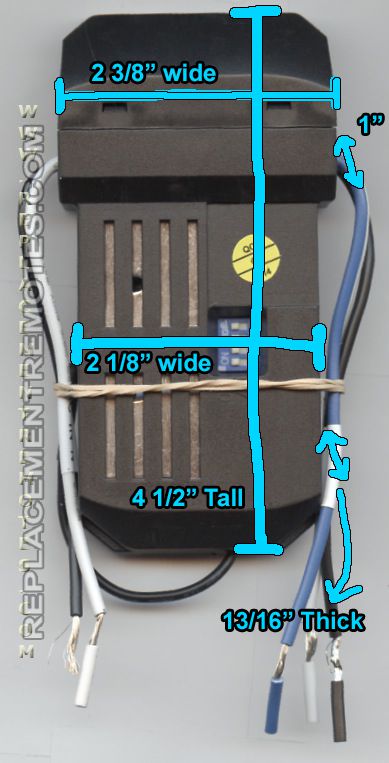
Dimensions: 4.00 x 4.00 x 3.00 (W x L x D, inches)