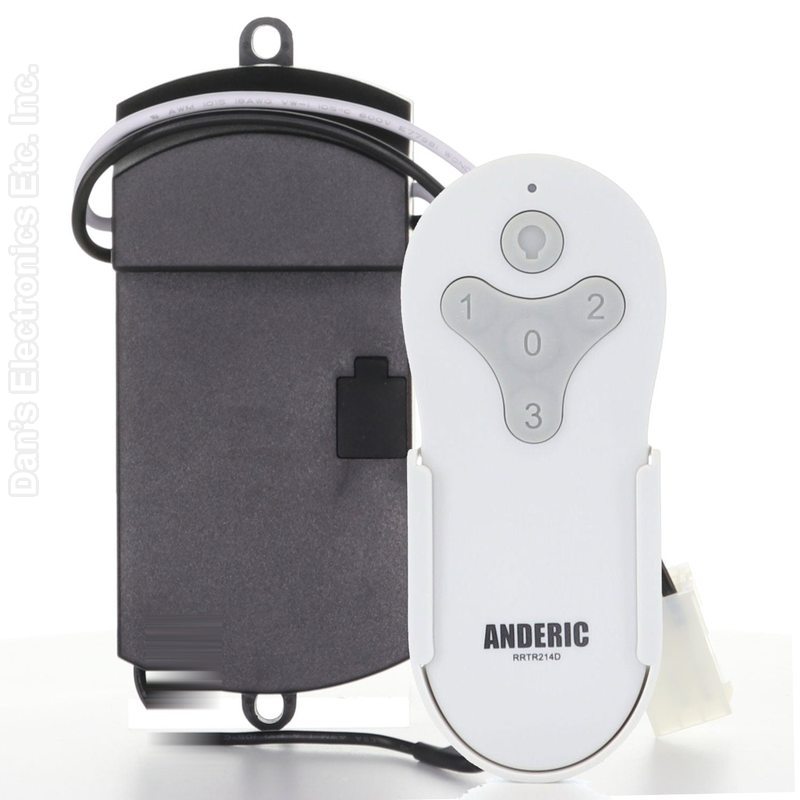
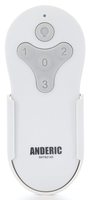
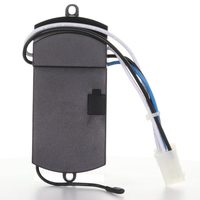
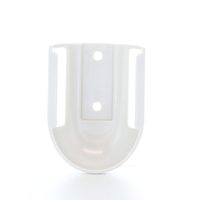
The Anderic RRTR214D-MRAC06S1M kit is a replacement remote and receiver for Harbor Breeze Mazon ceiling fans.
Specifications
- Kit: Anderic RRTR214D-MRAC06S1M-KIT
- Radio frequency (RF)
- Battery: 1 A23 (not included)
Good to Know
- You need to take the fan down to replace the receiver; hiring an electrician is recommended.
Setup / Pairing
Before you start
- We recommend hiring an electrician. Turn the power to the fan completely off at the circuit breaker.
- Be careful on ladders and when taking the fan down; have someone help hold it.
Removing the old receiver
- Turn the power off to the fan at the circuit breaker.
- Unsnap the canopy ring (screw cover) at the ceiling and let it drop toward the motor.
- Remove the four screws around the canopy. Make sure the hook securely holds the fan.
- Twist off all wire nuts, disconnect all wires from the ceiling, and set the fan on the floor.
- Remove any wire ties and screws holding the receiver, and remove it.
Installing the new receiver
- Place the new receiver where the old one was and secure it with the screws you removed.
- Reinstall the fan in the reverse order (see the fan's manual).
Pairing the RRTR214D
Two remotes cannot be paired to the same fan; after pairing, any earlier remote is unpaired. Remove the battery from any other paired remote first.
- Remove power from the fan with the wall switch or breaker.
- Remove the battery cover and install one 12-volt A23 battery (not included), matching polarity.
- Restore power, and within 30 seconds press and hold "0" for 5 seconds or until the fan light blinks twice.
- Test the light and fan keys to confirm.
This remote can be paired to several fans; turn off the wall switch to any fan you do not want it to control.
Safety: turn off power at the circuit breaker before opening the fan canopy or touching the receiver.
What's in the Box
- 1 remote and 1 receiver
- Battery not included
Compatible Models
- Harbor Breeze Mazon ceiling fans (TR214A / TR214B / A25-FA0138 remotes)
- Works with many Harbor Breeze ceiling fans, including models starting with MZ44, TG44, TG52 and BRD60.
Before ordering, check the model or part number printed on your old remote (usually on the back or inside the battery compartment) and compare it to the full compatible models list.