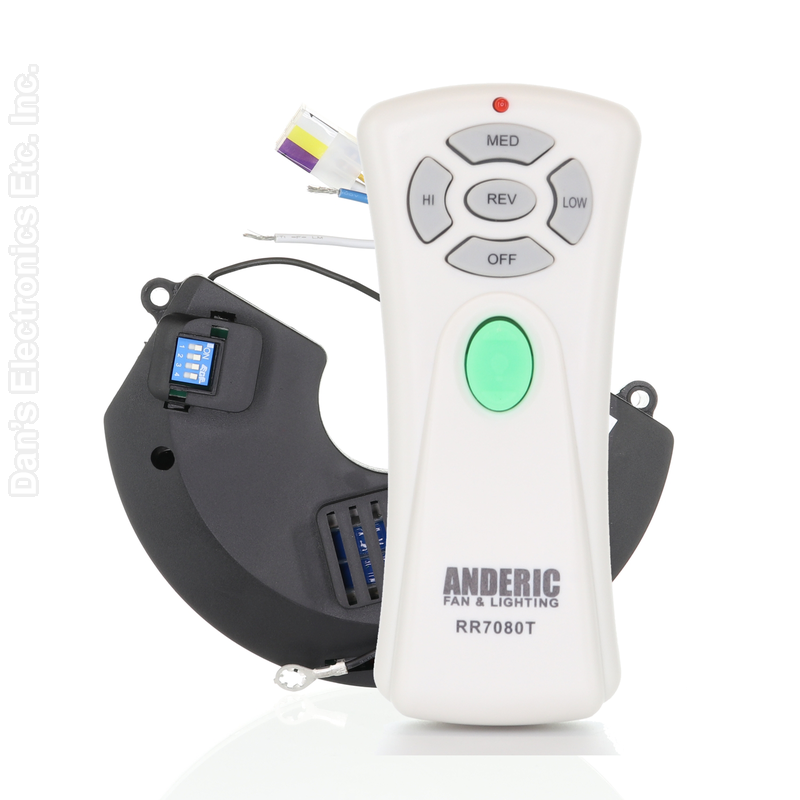
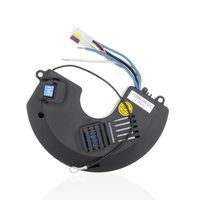
The Anderic RR7080T / UC7058GM kit is a replacement remote and receiver for the Hampton Bay Miramar 60 in. ceiling fan.
Specifications
- Kit: Anderic RR7080T
- Radio frequency (RF)
- Battery: 1 9-Volt (not included)
Good to Know
- Use the receiver with the RR7080T remote supplied in this kit.
Setup / Pairing
- Turn off power to the fan at the circuit breaker.
- Remove the screws from the receiver cover on top of the motor housing, and remove any zip ties holding the wires.
- Loosen the clip screw holding the power and antenna wires if needed, cut the crimps on the receiver's blue and white wires, and disconnect the 9-pin connector.
- Remove the two screws holding the old receiver.
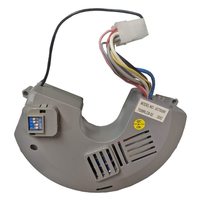
- Install the new UC7058GM receiver in reverse order, using wire nuts to join its blue and white wires to the fan's blue and white wires. Note the receiver's 4 dip-switch pattern.
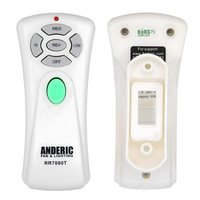
- Remove the remote's battery cover and set its 4 dip switches to exactly the same pattern before inserting the battery (factory setting is all up).
- Insert the battery (not included), matching the polarity marks, and replace the cover.
- Restore power and test the fan speeds and light.
- If the fan or light turns on and off by itself, another remote is interfering: set a new matching pattern on both the remote and the receiver.
Safety: turn off power at the circuit breaker before opening the fan canopy or touching the receiver.
What's in the Box
- 1 remote and 1 receiver
- Battery not included
Compatible Models
- Hampton Bay Miramar 60 in. ceiling fans (UC7058GM receiver)
- Also works with: Hampton Bay AC374-WB Miramar 60 in. Ceiling Fan 458 242, Hampton Bay AC374-BN Miramar 60 in. Ceiling Fan 339-793, Hampton Bay AC374-WB Miramar 60 in. Ceiling Fan 133-715
Before ordering, check the model or part number printed on your old remote (usually on the back or inside the battery compartment) and compare it to this list.