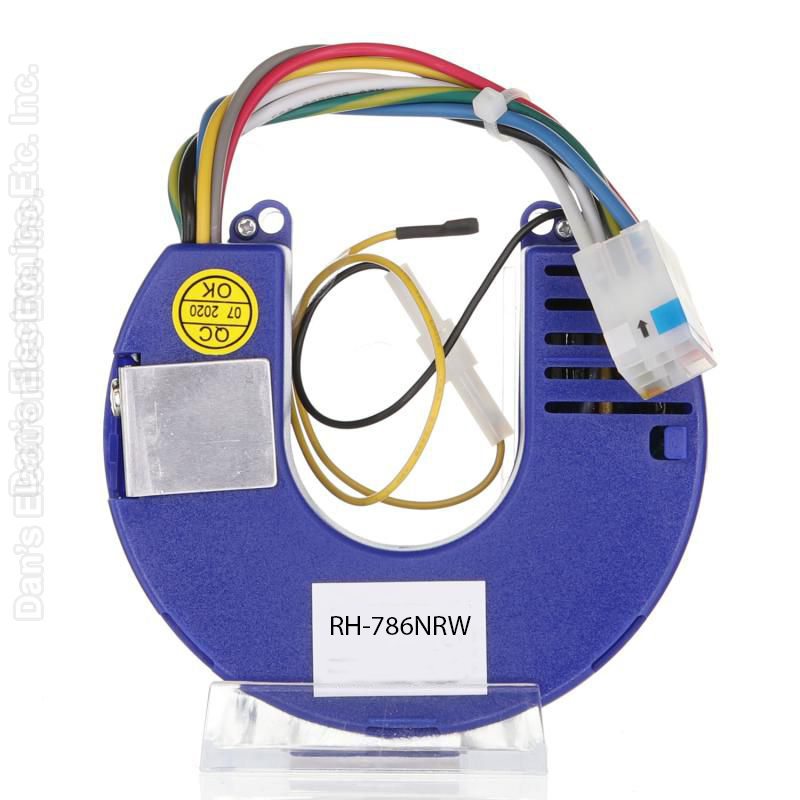
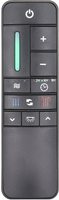
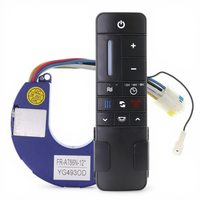
The Anderic UC7225T-UC786N12-KIT is a substitute for the Casablanca RH786NRW. It is a DC ceiling fan receiver and remote kit (UC786N-12 / RH786NRW receiver and RR7225T remote). It is not an exact copy of your old remote.
What it can do
- Up to 9 fan speeds on DC motor fans
- Light control
- Plug-in receiver installed above the fan motor
- Uses 2 AAA batteries in the remote, which are not included
How it differs
- It comes with its own receiver and remote; the old receiver and remote are not used.
- Key names, layout and the look of the case may differ from the original. Compare your original's buttons before ordering.
Setup / Pairing
- Turn the power to the fan off at the circuit breaker. Install the receiver in the fan housing following your fan's instructions, then reinstall the housing.
- Remove the remote's battery cover by pressing firmly on the arrow and sliding it off. Insert the battery (not included), matching the polarity marks.
- To pair (learning process): with the fan's power OFF, slide the dip switch in the battery compartment to the "1" position.
- Turn the fan's power ON. If you have several fans, turn on power only to the fan you are pairing, so the other fans do not learn this remote.
- Within 60 seconds of turning the power on, press and release the PAIRING button in the remote's battery compartment.
- When the fan detects the remote, the down light (if your fan has one) blinks and the blades start to spin. The fan now accepts commands from this remote. A fan can learn up to five remotes.
- To reset the fan to its factory setting and drop other remotes: turn the power off, slide the dip switch to "0", turn the power on, and within 60 seconds press and release PAIRING.
- If it does not pair, turn the power off and repeat the steps, pressing PAIRING within 60 seconds of restoring power.
Compatibility
Compatible with: Casablanca RH786NRW.
Dimensions: 4.00 x 4.00 x 3.00 (W x L x D, inches)