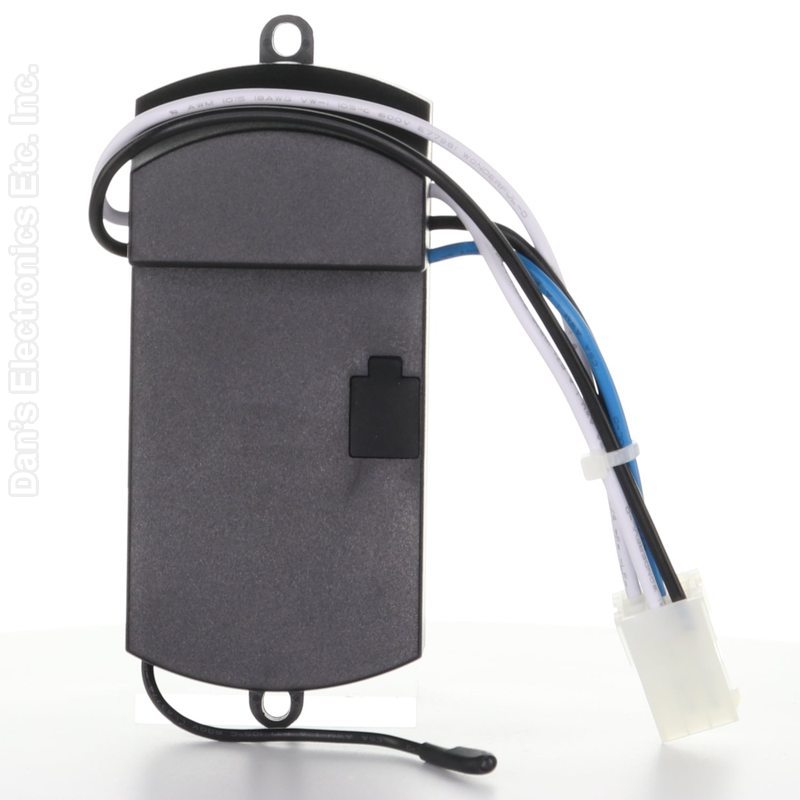
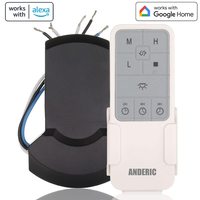
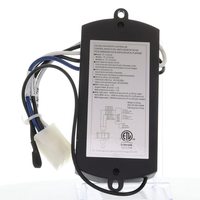
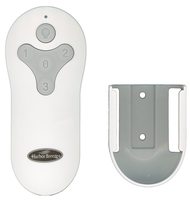
The Anderic MRAC06S1M is a replacement ceiling fan receiver for Harbor Breeze Mazon ceiling fans.
Specifications
- Shipped receiver: Anderic MRAC06S1M
- Radio frequency (RF)
Good to Know
- It does not include a remote control.
- You need to take the fan down to replace the receiver; hiring an electrician is recommended.
Setup / Pairing
Before you start
- We recommend hiring an electrician. Turn the power to the fan completely off at the circuit breaker.
- Be careful on ladders and when taking the fan down; have someone help hold it.
Removing the old receiver
- Turn the power off to the fan at the circuit breaker.
- Unsnap the canopy ring (screw cover) at the ceiling and let it drop toward the motor.
- Remove the four screws around the canopy. Make sure the hook securely holds the fan.
- Twist off all wire nuts, disconnect all wires from the ceiling, and set the fan on the floor.
- Remove any wire ties and screws holding the receiver, and remove it.
Installing the new receiver
- Place the new receiver where the old one was and secure it with the screws you removed.
- Reinstall the fan in the reverse order (see the fan's manual).
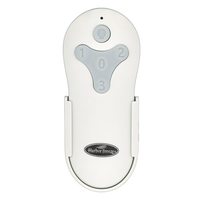
Compatible remotes: Anderic RRTR214D and Harbor Breeze A25-FA0138, KUJCE10311, TR214B, KUJCE10712, TR214A, KUJCE10610, 2BB78ITLF304C. Pair the remote following its own instructions.
Pairing the RRTR214D
Restore power and, within 30 seconds, press and hold the 0 key for 5 seconds or until the fan light blinks twice.
Safety: turn off power at the circuit breaker before opening the fan canopy or touching the receiver.
What's in the Box
- 1 Anderic MRAC06S1M receiver
Compatible Models
- Works with many Harbor Breeze ceiling fans, including models starting with MZ44, TG44, TG52 and BRD60.
Before ordering, check the model or part number printed on your old remote (usually on the back or inside the battery compartment) and compare it to the full compatible models list.
Dimensions: 2.80 x 5.00 x 1.20 (W x L x D, inches)