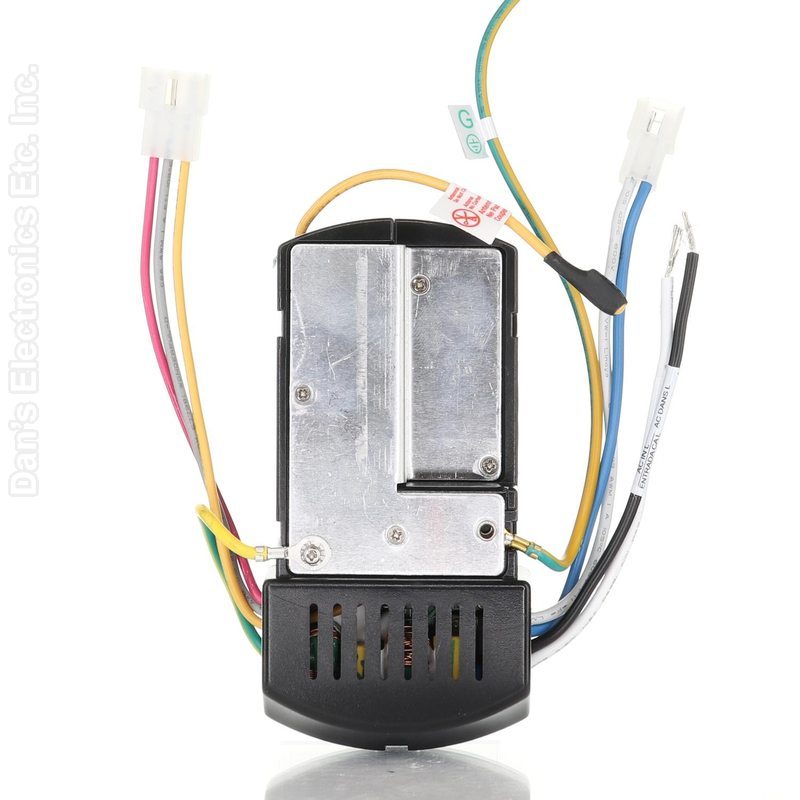
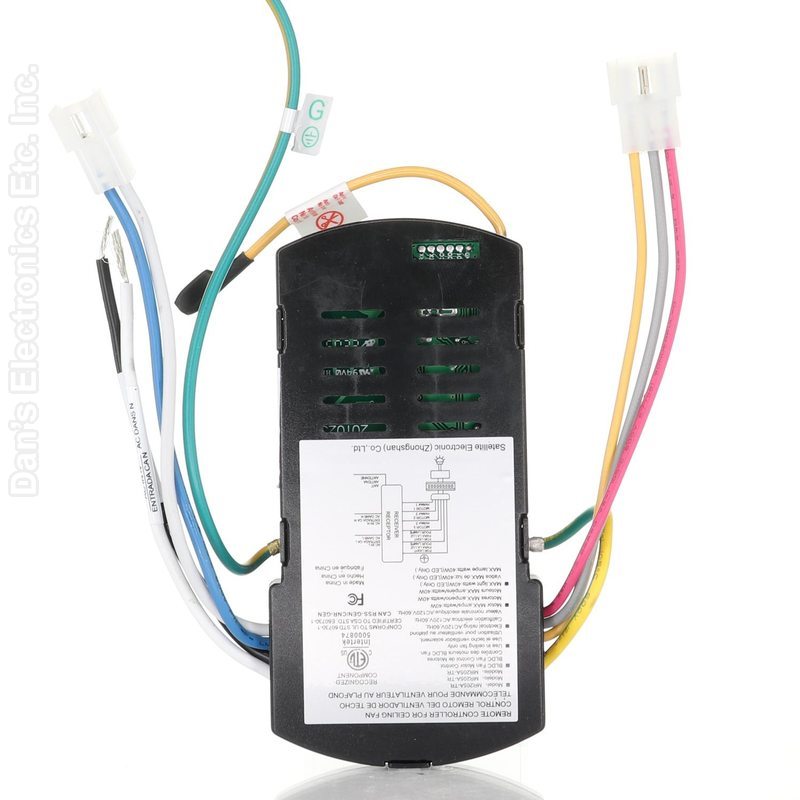
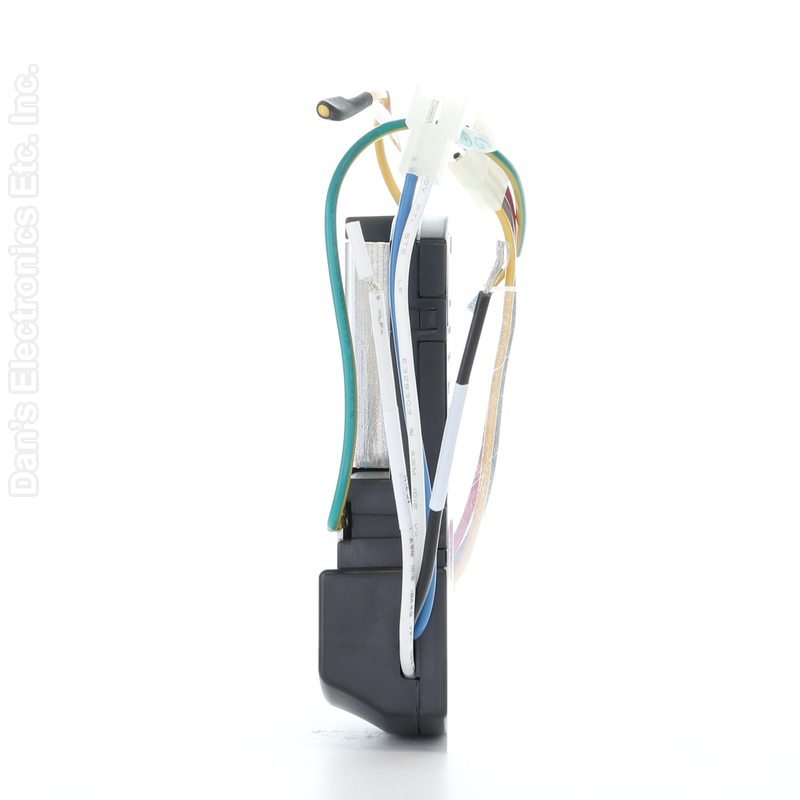
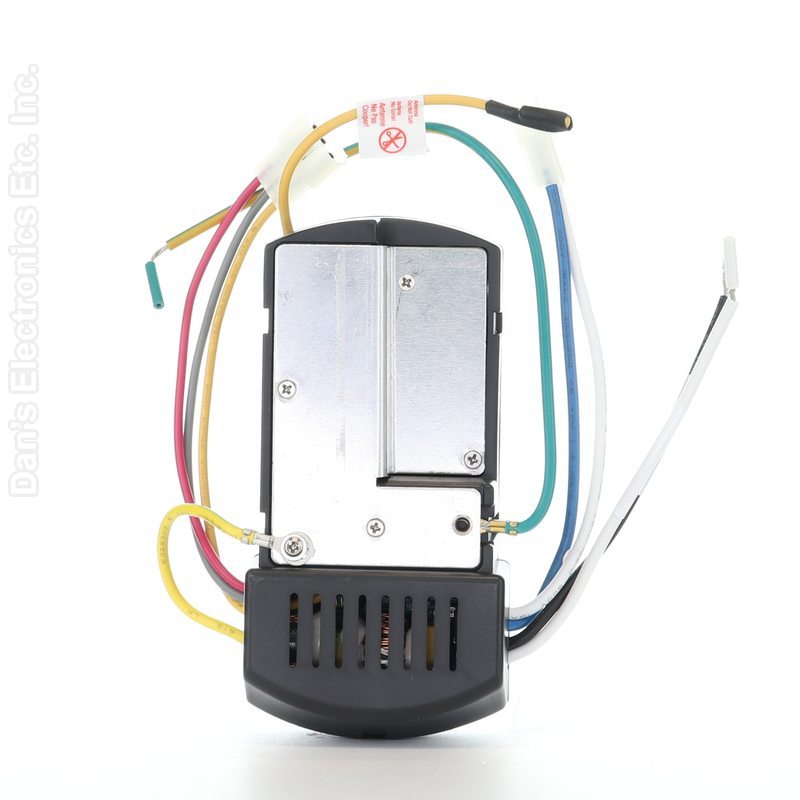
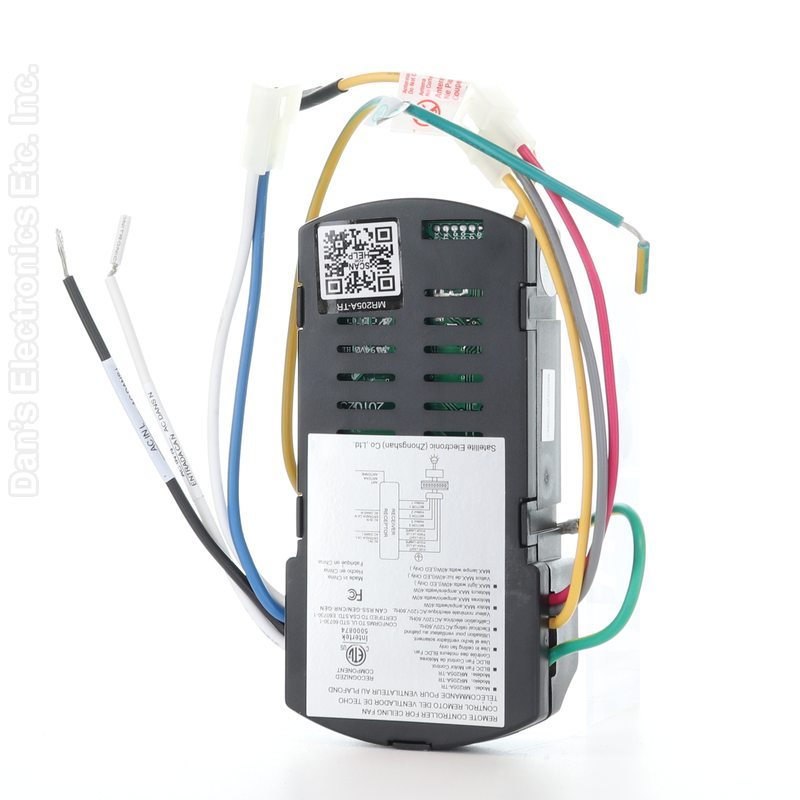
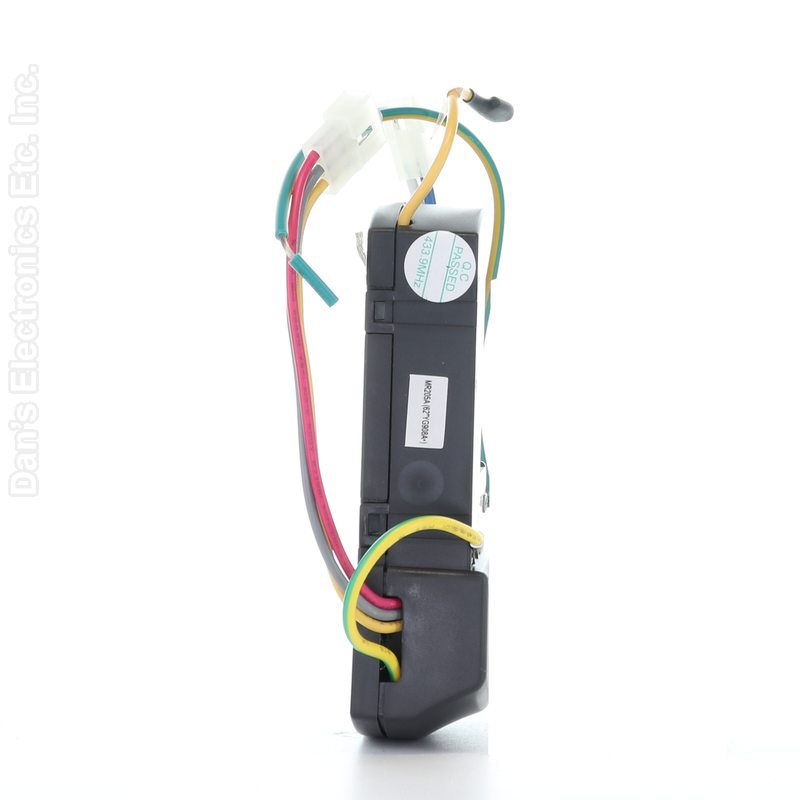
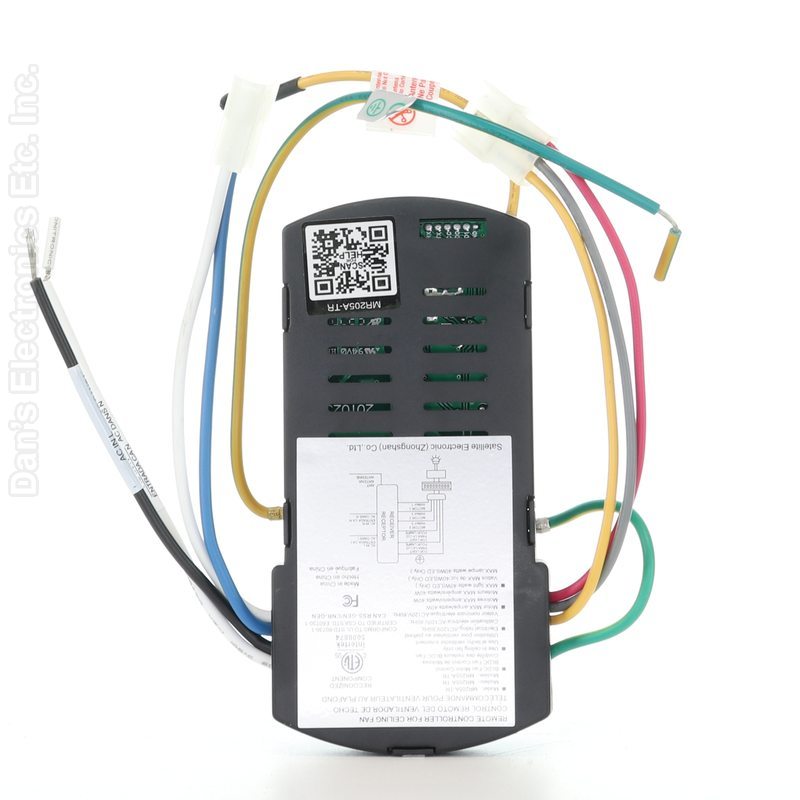
The Anderic MR205A-TR is a ceiling fan receiver that replaces the Home Decorators Collection Celene YG908A.
Specifications
Shipped receiver: Anderic MR205A-TR
Radio frequency (RF)
Good to Know
Your fan must be 120 V, 60 Hz; do not use it with a variable wall control.
The receiver uses 2-pin and 3-pin plug connections to the fan plus wire-nut connections to the house supply.
Setup / Pairing
Turn the power off at the circuit breaker. The fan and supply must be 120 V, 60 Hz; do not use a variable wall control, and the fan must have an isolating wall switch.
Install the receiver: connect the fan's connectors to the receiver, then with wire nuts connect black AC IN L to the house black (hot) wire, white AC IN N to the house white (neutral) wire and all green wires to the house ground. Tape the wire nuts, tuck the wires and receiver into the canopy with the antenna inside, and reassemble the fan.
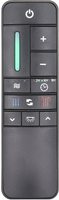
To pair your existing compatible remote (not included): with the fan's power OFF, slide the dip switch in that remote's battery compartment to the "1" position.
Turn the fan's power ON. If you have several fans, turn on power only to the fan you are pairing, so the other fans do not learn this remote.
Within 60 seconds of turning the power on, press and release the PAIRING button in the remote's battery compartment.
When the fan detects the remote, the down light (if your fan has one) blinks and the blades start to spin. A fan can learn up to five remotes.
To reset the fan to its old setting and drop other remotes: turn the power off, slide the dip switch to "0", turn the power on, and within 60 seconds press and release PAIRING.
If it does not pair, turn the power off and repeat, pressing PAIRING within 60 seconds of restoring power.
What's in the Box
1 Anderic MR205A-TR receiver
Compatible Models
Home Decorators Collection YG908A
Also works with: Celene 62 in. Integrated LED Indoor/Outdoor Brushed Nickel, Celene 62 in. Integrated LED Indoor/Outdoor Matte White, Celene 62 In. LED Indoor/Outdoor Matte Black
Before ordering, check the model or part number printed on your old remote (usually on the back or inside the battery compartment) and compare it to this list.