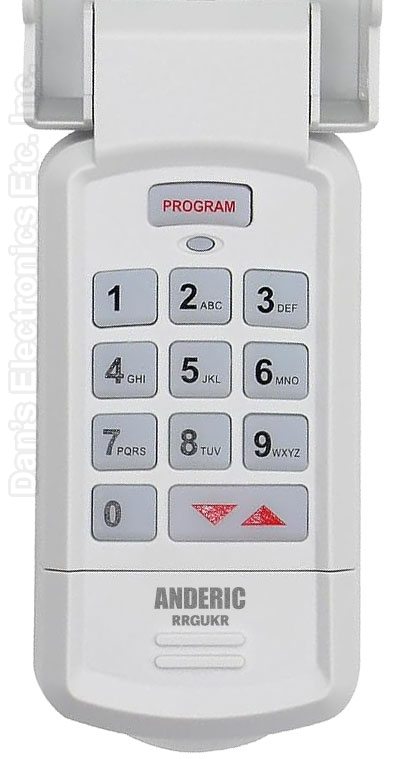
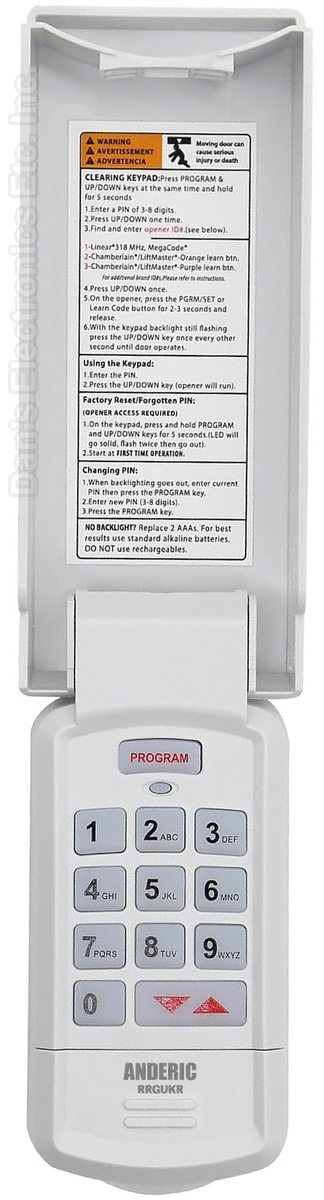
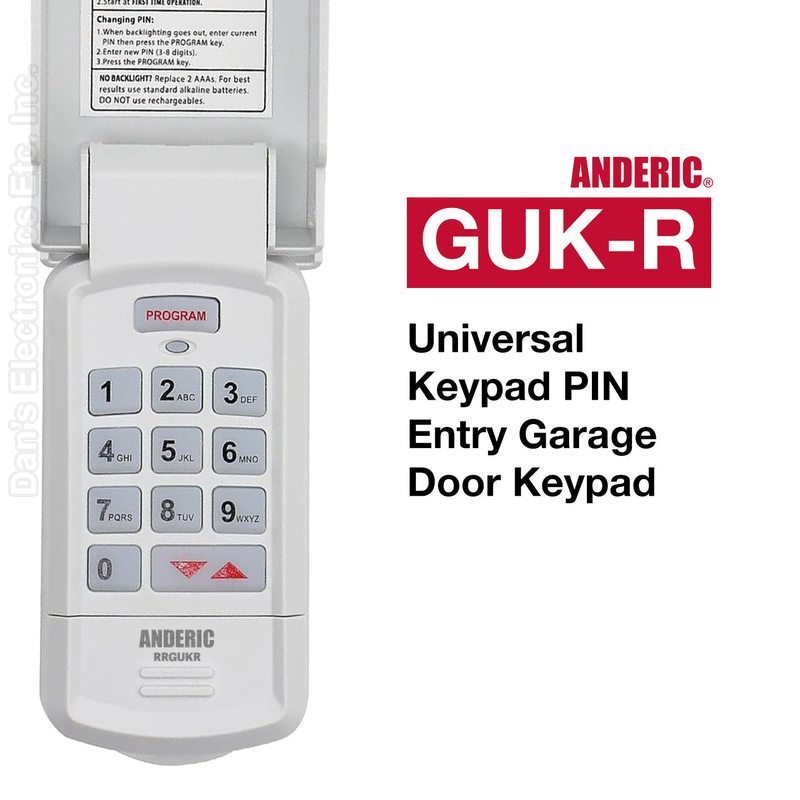
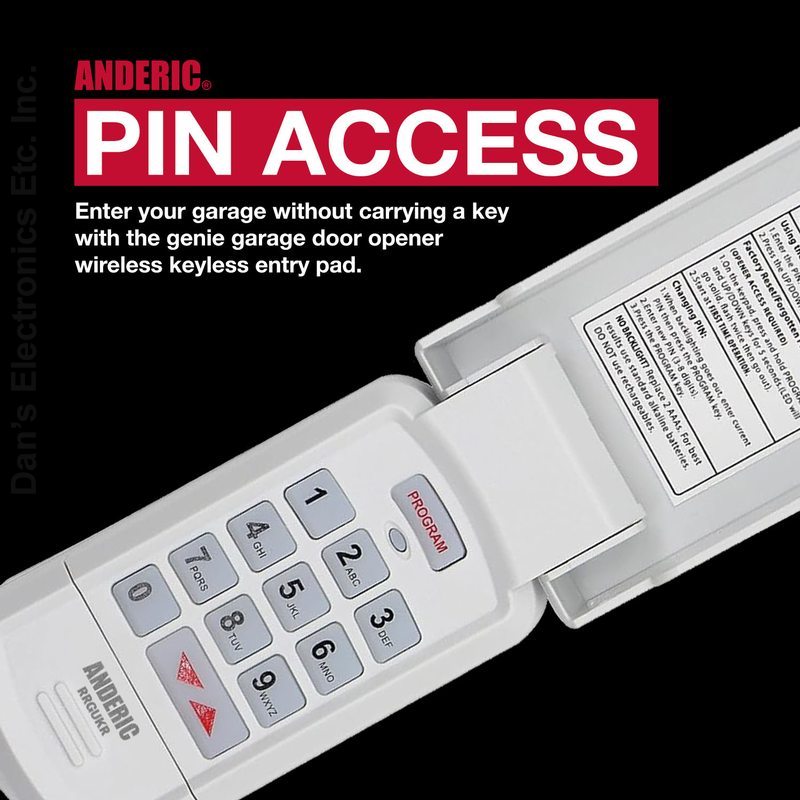
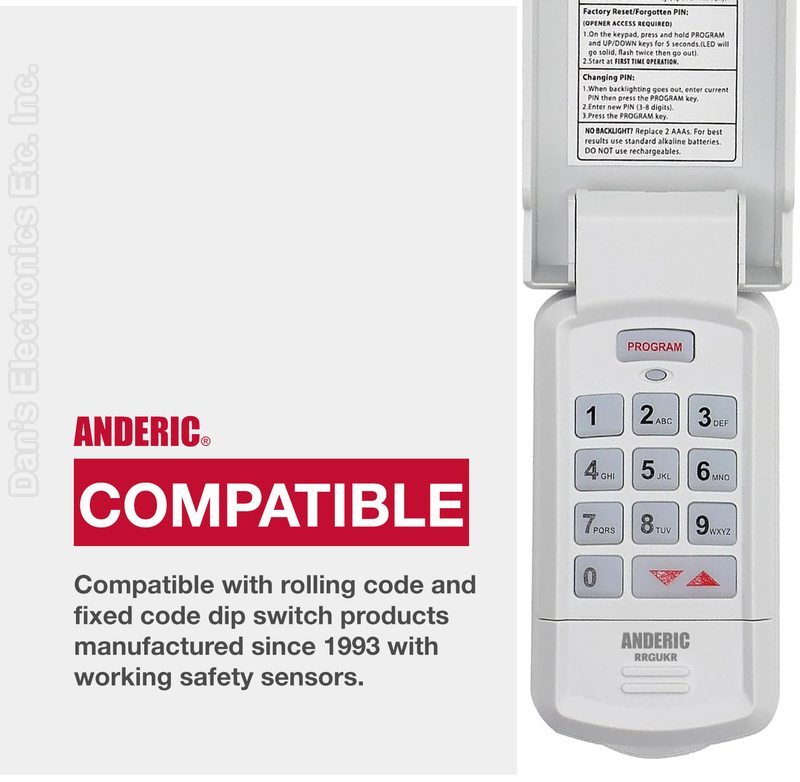
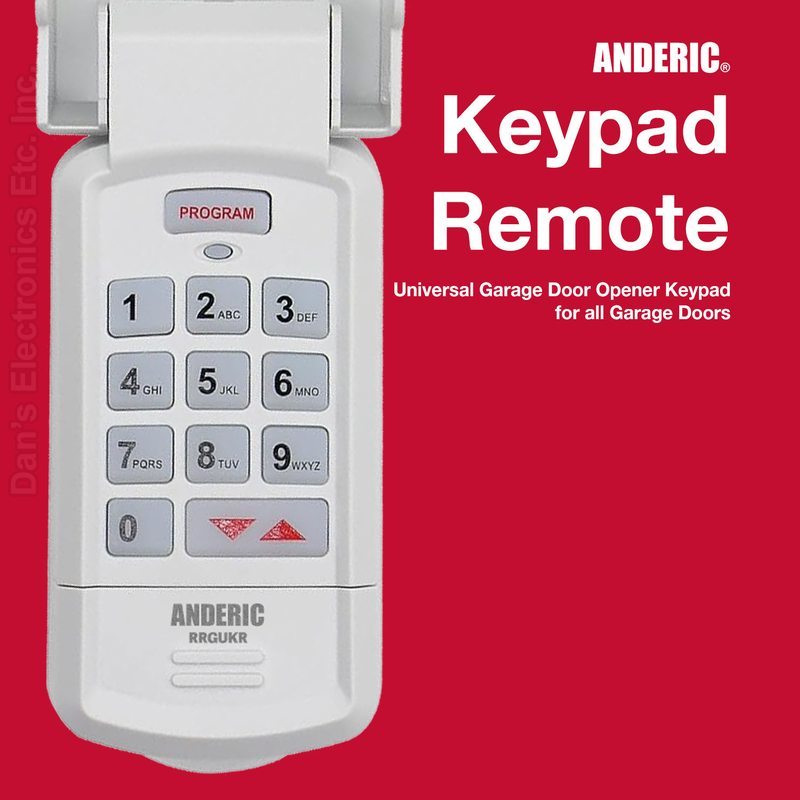
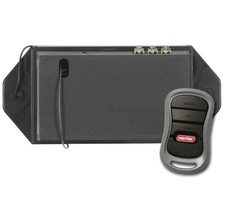
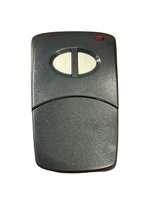
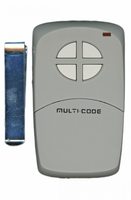
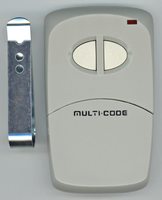
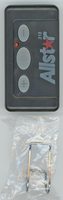
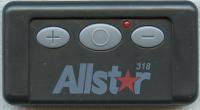
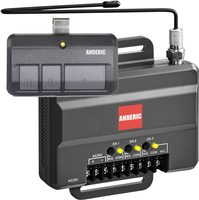
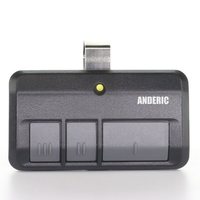
The Anderic GUK-R is a wireless universal garage door keypad that programs to LiftMaster, Chamberlain, Genie, Craftsman and other opener brands.
Specifications
Radio frequency (RF)
Battery: 1 9V (not included)
Good to Know
The opener must be one of the brands and types in the opener chart. It does not use physical dip switches: dip-switch openers are entered as a converted code on the keypad.
Setup / Pairing
Open the battery compartment, insert the battery (not included), then reinstall the compartment door.
To clear the keypad (do this first, and any time you need to start over), press the PROGRAM and UP/DOWN keys together and hold for 5 seconds until a tone sounds, then release. The green LED flashes and goes out.
Find your opener's ID# in Genie's opener chart (check the label or manual of your opener for its brand, Learn button and frequency): ID 1: Genie Intellicode I, 315/390 MHz, 1995 to current, or Overhead Door CodeDodger I, 315/390 MHz, 1995 to current; ID 2: Chamberlain / LiftMaster / Craftsman purple Learn button, Security+, 315 MHz, 2006 to 2014; ID 3: Chamberlain / LiftMaster / Craftsman orange or red Learn button, Security+, 390 MHz, 1996 to 2005; ID 4: Chamberlain / LiftMaster / Craftsman yellow Learn button, Security+ 2.0, 390 MHz, 2011 to current (use the separate yellow-button steps); ID 5: Chamberlain / LiftMaster / Craftsman green Learn button, Billion Code, 390 MHz, 1993 to 1995; ID 6: Genie Intellicode II, 315/390 MHz, 1995 to current, or Overhead Door CodeDodger II, 315/390 MHz, 1995 to current; ID 7: Sommer, 310 MHz, rolling code; ID 8: Linear MegaCode, 318 MHz; ID 9: Wayne Dalton rolling code, 372.5 MHz, 1999 to current; ID 10: Ryobi rolling code, 372.5 MHz; ID 11: Guardian or Xtreme, 303 MHz, fixed learn code; ID 12: Marantec, 315 MHz, fixed learn code.
For every ID except 4: enter a personal PIN of 3 to 8 digits, press and release the UP/DOWN key (the LED flashes slowly), enter the opener ID#, press and release the UP/DOWN key (the LED flashes rapidly), press the LEARN/PROGRAM button on the opener for 2 to 3 seconds and release it, then press the UP/DOWN key on the keypad once every two seconds until the opener activates. Do not press any other button until the opener stops running.
For ID 4 (yellow Learn button): enter a personal PIN, press and release UP/DOWN, enter 4, press and release UP/DOWN, press and hold UP/DOWN until a tone sounds (about 5 seconds), press the yellow LEARN/PROGRAM button on the opener for 2 to 3 seconds, press UP/DOWN one time (the opener clicks), press the opener button again for 2 to 3 seconds, press UP/DOWN one time (the opener clicks), then press UP/DOWN one time more (the opener operates).
Wait until the keypad backlight is out before any further keypad entries. Programming is complete. The keypad can be programmed to up to 3 openers (press the PROGRAM key 2 times for a second opener or 3 times for a third, then continue from the ID# step).
Code-switch (dip) openers are entered as a converted code with Genie's separate dip-switch instructions (www.geniecompany.com/dipswitchesGUK) in place of the ID# steps above.
Keep the garage door clear of people and objects while programming and testing.
What's in the Box
1 Anderic GUK-R remote
Battery not included
Compatible Models
Genie, Overhead Door, LiftMaster, Chamberlain, Craftsman, Sommer, Linear, Wayne Dalton, Ryobi, Guardian and Marantec openers listed in the opener chart
Also works with: LiftMaster 976LM / 96LM / 976LMC
Before ordering, check the model or part number printed on your old remote (usually on the back or inside the battery compartment) and compare it to this list.
Specifications
Model: GUK-R Part Number: RRGUKR Catalogue No.: 278534
Battery Required : AAA Battery 2 pack Frequency Type : RF/Bluetooth Dimensions: 3.00 x 6.50 x 1.50 (W x L x D, inches)