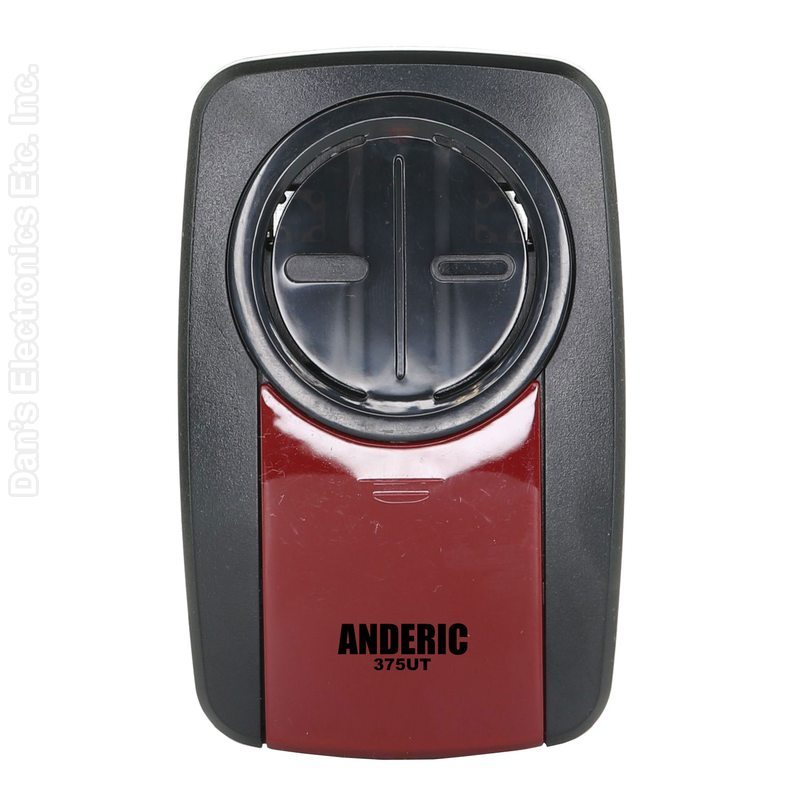
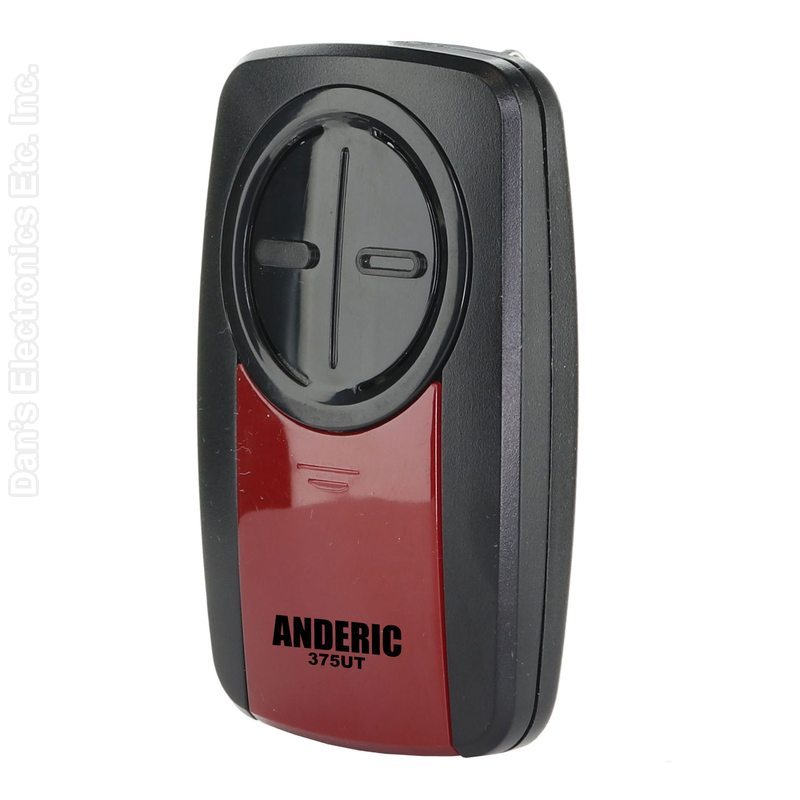
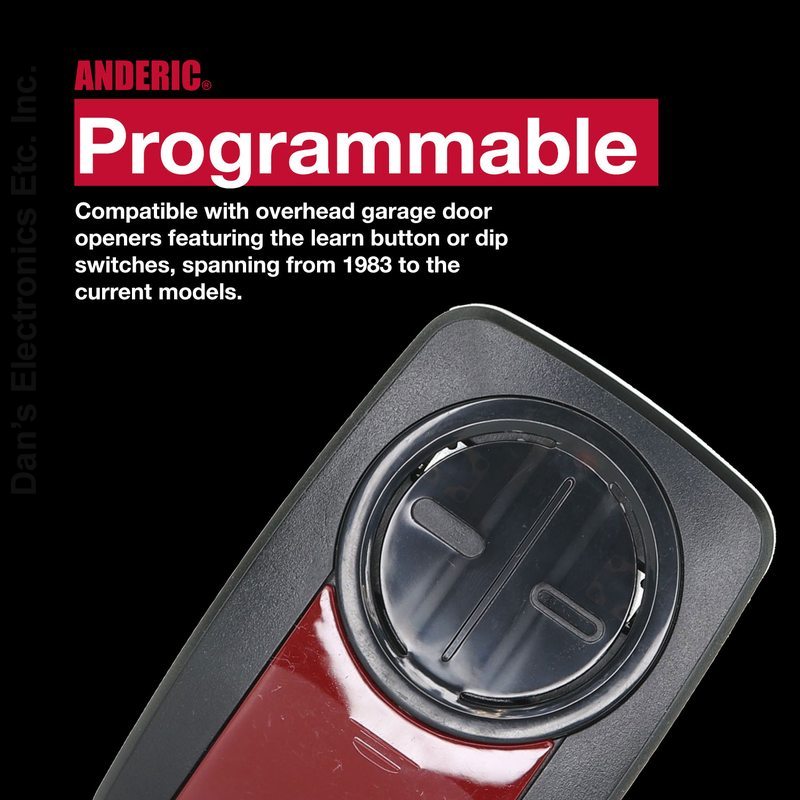
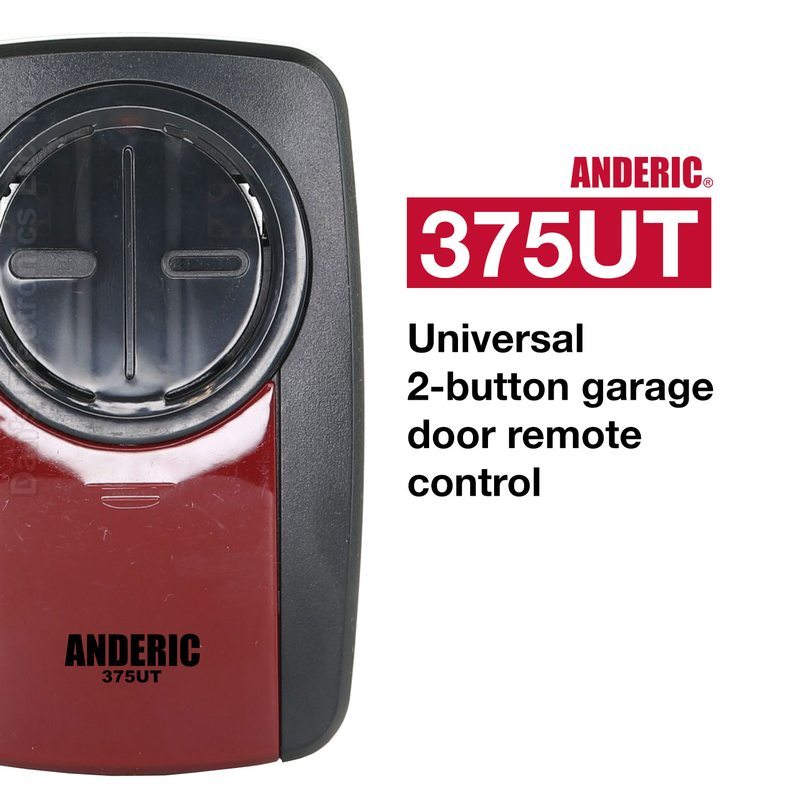
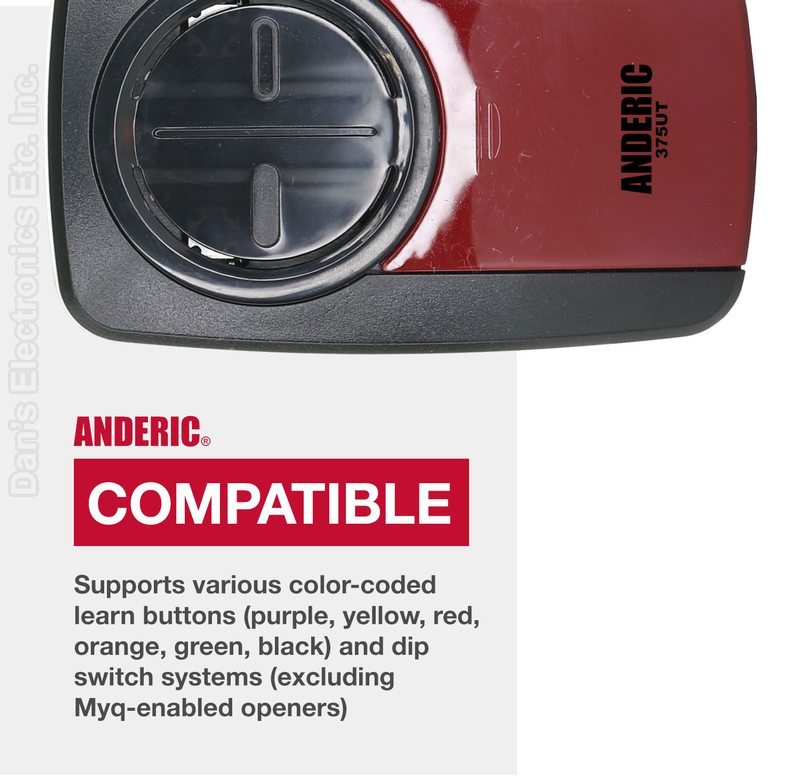
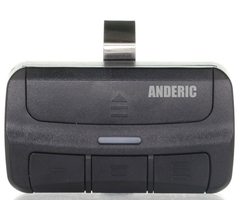
The Anderic 375UT-2BUTTON is a universal 2-button garage and gate remote. Each button programs on its own, so one remote can run two openers, two gates, or one of each. It covers learn-button and dip-switch systems on 300, 310, 315, 318, 372, and 390 MHz.
Compatibility
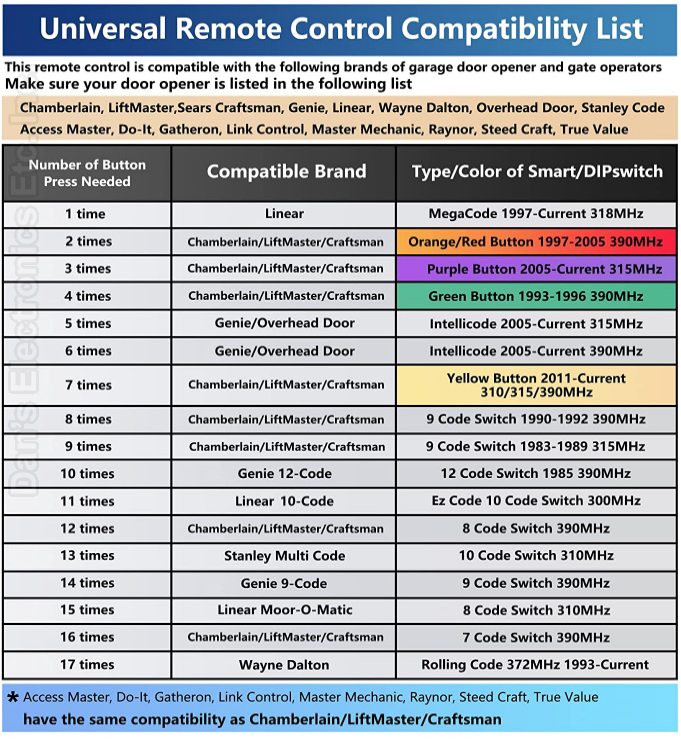
Chamberlain, LiftMaster, Sears Craftsman, Genie, Overhead Door, Linear, Wayne Dalton, and Stanley
Access Master, Do-It, Gatheron, Link Control, Master Mechanic, Raynor, Steed Craft, and True Value use the same press counts as Chamberlain, LiftMaster, and Craftsman
Match the learn-button color or dip-switch type on the motor head
Will not pair to an opener with no Learn button and no dip switches
For a home garage, use only with openers built from January 1, 1993 that have photo-eye sensors
Learn-button pairing
Start with the door closed. Do not hold the opener Learn button. A long press can clear every remote already saved.
Slide the battery cover down. Press and hold PROGRAM inside the battery compartment until the light comes on, then release it.
Press and release the Learn or Smart button on the opener once.
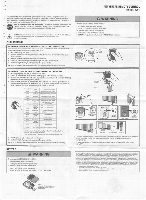
Press and release the remote button you want to use the number of times shown on the compatibility chart. Wait until the remote light stops flashing before the next press.
Press PROGRAM again to save, then test. A click, a light flash, or the door moving means it took.
Dip-switch pairing
Match the switches inside the battery door to the opener
The remote has 12 switches. If the opener has fewer, match the first switches and leave the rest alone
If a 2-position set will not pair, flip every switch and try again
Press PROGRAM until the light comes on, press the front button the count on the chart, then press PROGRAM to save
Press counts for every learn-button color and dip-switch system are on the compatibility chart image.
In the box
375UT 2-button remote
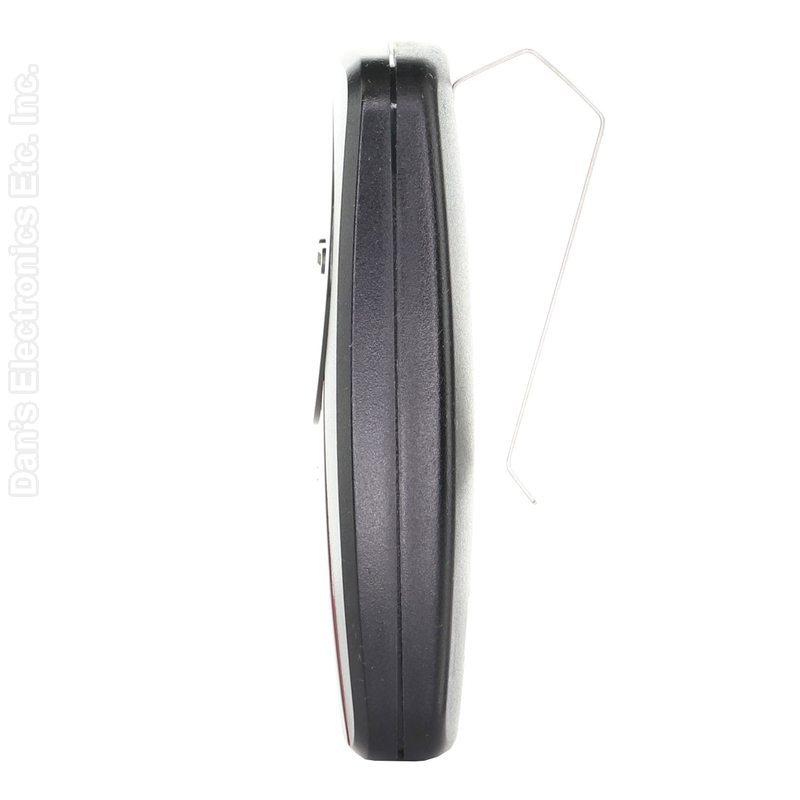
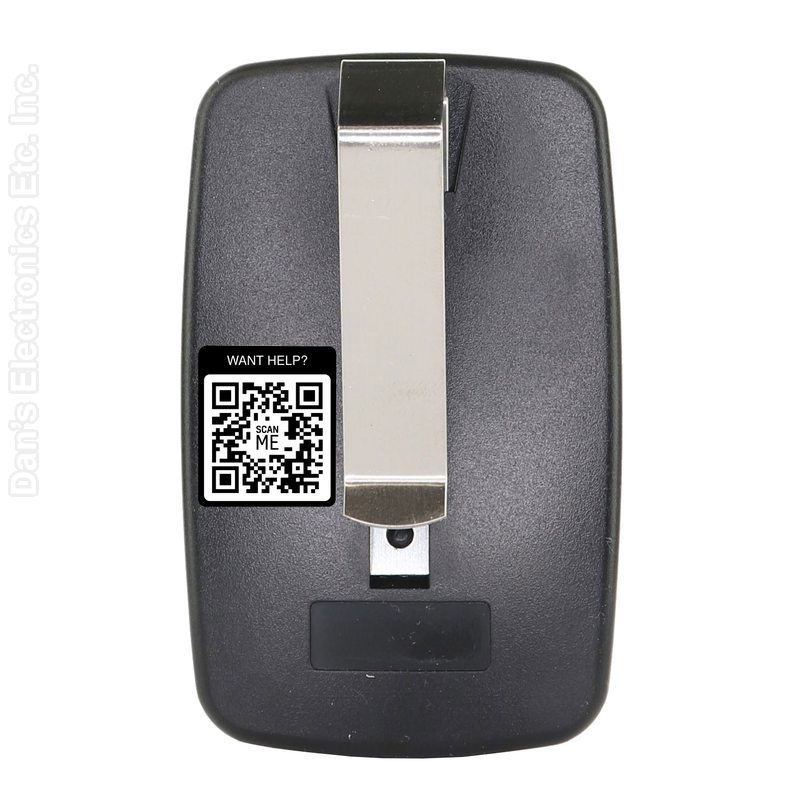
Visor clip
CR2032 battery required, not included
Full steps are in the 375UT user guide on help.anderic.com.